
Christmas orders can be a great opportunity to grow your store. They also come with a deadline your customers care about: having their gifts ready to give.
Setting realistic print on demand Christmas deadlines starts with counting the full journey from order to doorstep. Your product needs time to be made, then time to travel to your customer. If you only allow for shipping, you could promise a delivery date that leaves no room for production.
A little planning now can help you sell with confidence, answer fewer delivery questions, and give customers a clearer idea of when to order. Here’s how to build that plan.
Production time and shipping time are two separate steps
With print on demand, your product is made after an order is placed. That means delivery involves two main stages:
- Production time: The time needed to produce and prepare the item for shipment.
- Shipping time: The time needed for the carrier to deliver the parcel after it leaves the production facility.
An estimate of five business days for production does not mean the customer will receive their order in five business days. Shipping comes afterward.
Your store may also need time to review personalized artwork or release an order for production. Include that in your planning, too.
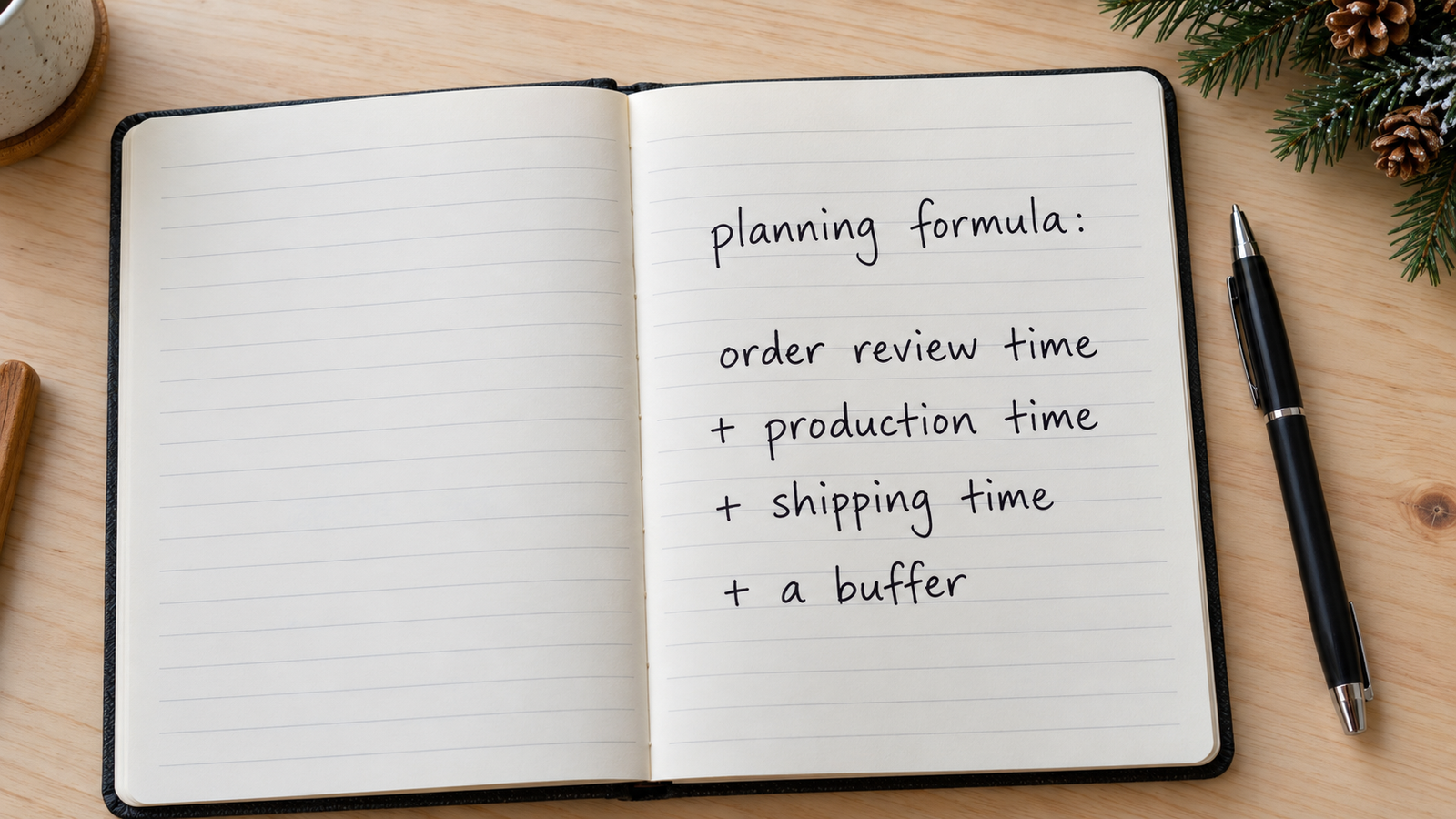
Your planning formula is: order review time + production time + shipping time + a buffer.
The buffer gives you some breathing room if a stage takes longer than expected. It helps you choose a more realistic cutoff, but it does not turn an estimated arrival date into a guarantee.
Why individual product production times matter during Q4
It’s tempting to use one processing time across your whole store. But the timeline for a mug may differ from the timeline for a sweatshirt, ornament, or piece of wall art.
Our Production lists estimates by product group, so check the entry that applies to each item you sell. teelaunch shipping times
During Q4—the October to December selling period—order volume and seasonality can affect production estimates. A timeline you used earlier in the year may no longer be suitable for your Christmas listings.
Build a simple deadline tracker for your seasonal products. Record the current production range, relevant shipping estimate, destination, planned customer cutoff, and the date you last checked the information.
Then review it regularly. As your deadlines approach, make checking current production updates part of your daily routine. If an estimate changes, update the affected listings and promotions promptly.
That gives you a practical way to keep selling without treating every product as if it follows the same schedule.
How to calculate your Christmas order cutoff
Use the upper end of the current production range when planning. If production is estimated at four to seven business days, allowing seven gives you more room than building your deadline around the fastest outcome.
Do the same with the shipping estimate for the relevant service and destination. Then add your review time and a sensible buffer.
Here’s an illustrative example:
| Stage | Planning allowance |
| Artwork review and order release | 1 business day |
| Production estimate of 4–7 business days | 7 business days |
| Shipping estimate of 3–5 business days | 5 business days |
| Extra buffer | 3 business days |
| Total allowance | 16 business days |
These figures are an example, not current teelaunch production or shipping commitments.
Choose your buffer based on the product, destination, current updates, and how much uncertainty your customer deadline can reasonably allow.
In this example, you’d count back 16 business days from the desired arrival date. Check the calendar carefully: business days are not calendar days, and closures or holidays can affect the schedule. Follow the day-counting rules for the production facility and shipping service rather than assuming they match.
A carrier’s Christmas shipping cutoff covers the shipping stage. Your POD order needs to be produced and ready for carrier handoff in time to meet it.
If teelaunch publishes holiday guidance or recommended order dates, review those alongside the current product estimates. Any published cutoff conditions still apply; your calculation does not replace them.
Set customer expectations before they buy
Customers should be able to understand your delivery timeline without sending you a message.
Explain that products are made to order, show the processing time for the specific item, and make clear that shipping follows production. Keep product pages, shipping settings, store announcements, and promotional emails consistent.
For a general product listing, you could use:
Made to order just for you. Please allow [X–Y] business days for production, followed by an estimated [A–B] business days for shipping to [destination]. Delivery dates are estimates.
For a Christmas announcement:
Shopping for Christmas? We recommend ordering this item by [date] for estimated delivery before Christmas to [destination]. Production and carrier delays can affect arrival times, so please order early.
Replace the placeholders with your checked estimates. If the cutoff depends on a shipping service or completed personalization details, state that clearly beside the date. Include a cutoff time and time zone where relevant.
Keep the tone helpful and direct. Give customers useful information about when to order and avoid promising guaranteed Christmas delivery unless an applicable guarantee supports that promise.

Give personalized orders enough time for approval
Personalized gifts need a little extra planning on your side of the process.
If an order requires new artwork, a customer response, or manual approval, that work needs to happen before production can move forward. Orders held for approval need to be released through your teelaunch account. For how to do this see our support docs
For your holiday listings, explain what customers need to provide and when you need it. Check held orders regularly, resolve missing details quickly, and release completed orders promptly.
Your Christmas cutoff should allow time for those steps. A customer placing an order before the deadline is only part of the process if you still need their photo or personalization details to prepare it.
Faster shipping does not shorten production time
A shipping upgrade can help with the delivery stage where one is available. It does not move an order through production faster.
At teelaunch, expedited shipping availability depends on the product, print partner, and destination. Check with our support team before the order enters production rather than assuming an upgrade is possible.
For last-minute requests, review the full timeline before offering an option. Faster shipping alone may not leave enough time for the gift to arrive.
Keep customers informed as orders progress
Clear expectations should continue after checkout.
Monitor orders approaching or exceeding their expected production time frame. If there’s a concern, check the order details and contact support so you can give the customer a useful update.
An update should explain the current stage, what you know, and what happens next. Avoid replacing an uncertain estimate with another unsupported promise.
Some orders containing different product types may arrive in separate shipments, with separate tracking information. Explain that when relevant so a customer receiving one item understands that the rest may still be on the way. Visit support.teelaunch.com for more information.
Once a product passes your recommended Christmas cutoff, remove its Christmas arrival messaging. Review scheduled emails and ads as well as the listing itself. You can continue selling the product with clear delivery expectations or shift your promotions toward gifts for later occasions.
Plan early and sell with confidence
Realistic Christmas deadlines help customers decide when to buy and give you a clearer plan for managing your store.
Check each product’s production time, allow for shipping, and include any review steps before setting your cutoff. Keep those estimates current throughout Q4 and make the timeline easy for customers to understand.
Selling Christmas gifts with teelaunch? Check our current production times and use them to plan your store’s holiday deadlines.

Frequently asked questions
When should I stop taking print on demand orders for Christmas delivery?
There is no single date that works for every product and destination. Work backward from the desired arrival date using the current production estimate, shipping estimate, order review time, and a buffer. Review any applicable holiday cutoff guidance before publishing your deadline.
Does production time include shipping?
No. Production covers making and preparing the item for shipment. Shipping is the separate journey from the production facility to your customer. Allow for both when estimating delivery.
Should every product in my store have the same Christmas deadline?
Check each product first. If you choose one store-wide deadline, base it on the longest relevant total timeline for the products and destinations covered. Make any exclusions clear.