
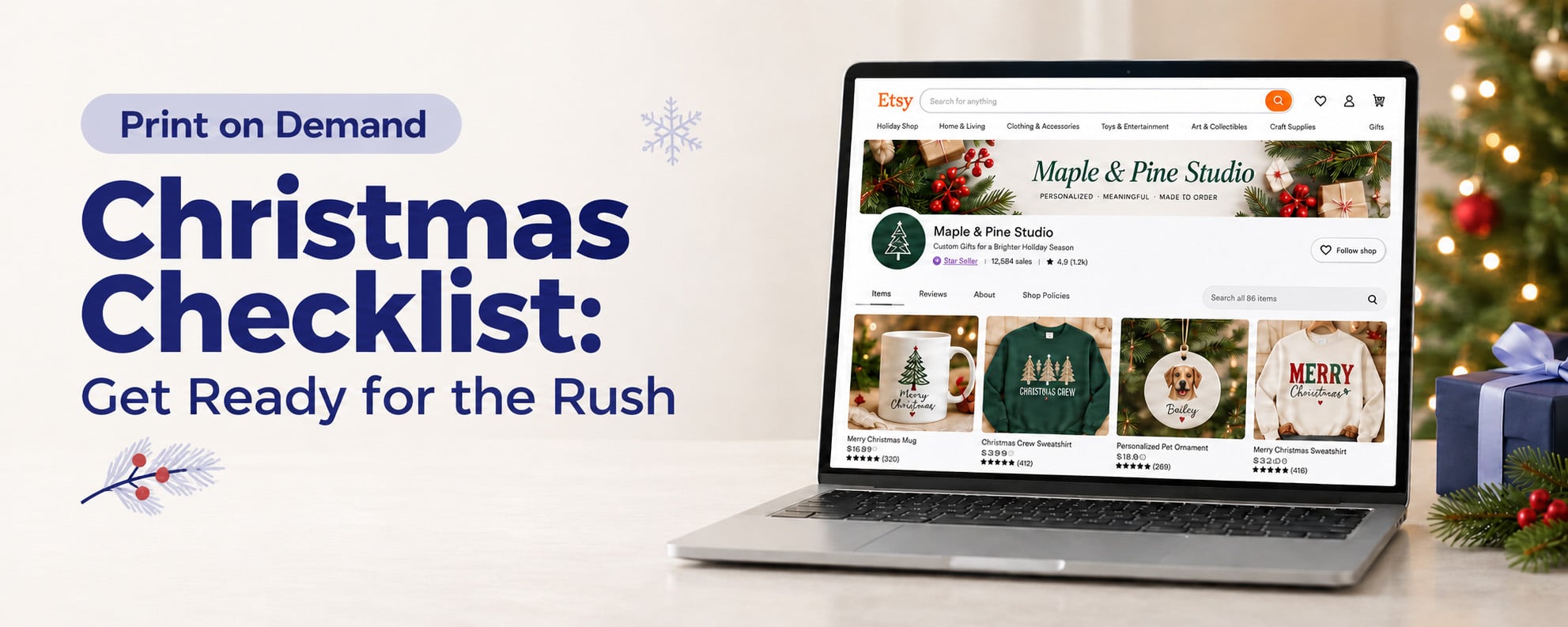
Getting your print on demand shop ready for Christmas starts with three things: products your customers want, listings that make buying easy, and a clear plan for fulfilling orders.
If you’re starting in October or closer to the rush, there’s still useful work you can do. Some preparation is ideally completed in August or September, but those steps still matter now.
Use this print on demand Christmas checklist to focus your time on the improvements most likely to help your next sale. Start with your strongest products, check the buying experience, and build your marketing around what you can confidently deliver.
1. Choose your priority Christmas products
Start with what you know about your customers. Which products sold well last Christmas? Which designs get good reviews? What do shoppers regularly ask for?
Look at profit as well as order numbers. A popular product that leaves little profit or needs lots of manual work may need attention before you promote it again.
Choose a manageable group of products to lead your Christmas offer. Then identify who each gift is for: a dog owner, teacher, new parent, book lover, or another audience your shop already understands.
Remember, Christmas gifts don’t all need Christmas designs. An ornament is seasonal, but a hobby-themed mug or personalized notebook can be just as relevant to someone shopping for a present.
If you’re exploring new ideas, use customer feedback, shop search terms, and relevant niche research to guide you. Test a small selection rather than building a large collection around an unproven trend.
2. Build on designs that already work
You may have artwork that could become more than one gift option.
A popular t-shirt design could work on a mug. A pet illustration could become a personalized ornament. Matching designs can help customers find related gifts without you starting every product from scratch.
Check each product’s print area and artwork requirements. A design that reads clearly on a sweatshirt may need a simpler layout on a smaller ornament.
You can also offer matching sets or bundles where your store supports them. Calculate the combined product and shipping costs before setting the price.
Different product types may ship separately, so explain that clearly. Don’t show a bundle arriving in one gift box unless that is what the customer will receive. support.teelaunch.com

3. Refresh your listings for gift shoppers
Make it clear what you sell, who it’s for, and which options customers can choose.
Use relevant search phrases naturally in titles and descriptions. Depending on your products, these might include “personalized family ornament,” “book lover mug,” or “Christmas teacher gift.”
For example, “Personalized Ceramic Family Christmas Ornament” gives shoppers more information than “The Perfect Gift.”
On Etsy, review titles, tags, categories, and attributes together. Keep titles clear and descriptive, and avoid repeating the same keywords unnecessarily. Preserve wording already bringing relevant visitors to your shop. www.etsy.com
Then check that your priority listings include:
- Accurate images with a clearly visible design
- Product dimensions, materials, and relevant care details
- Size guides and correct variant images
- Simple personalization instructions
- Clear production and shipping information
If you have time to order and assess a sample, use it to check the print and create your own photos or videos. Otherwise, begin by improving the accuracy and clarity of your existing mockups.
4. Create a holiday collection that’s easy to browse
Help shoppers find a gift without searching your entire catalog.
On your website, create a Christmas gift collection and make it visible through your homepage or navigation. On Etsy, use shop sections to organize your products.
Choose groups that fit your audience, such as:
- Gifts for pet lovers
- Personalized family gifts
- Gifts for teachers
- Gifts under $30
You don’t need all four. One useful collection is a good starting point if you’re preparing around a busy schedule.
Link emails, ads, and social posts to the relevant collection or product. That gives shoppers a clear next step instead of leaving them to find the item themselves.

5. Check availability and test your checkout
Print on demand means you don’t stock finished products yourself. You still need to check the availability of the products and variants you’re promoting.
Review important sizes, colors, and product options in teelaunch. Resolve availability questions before launching a campaign, and update affected listings if an option becomes unavailable. Check each sales channel rather than assuming every update appears everywhere automatically.
If you stock or pack anything yourself, check those products and supplies too.
Next, open your store on your phone and follow the customer’s buying journey. Can you find the product, choose options, enter personalization details, and see the full cost?
Check that discount codes, shipping charges, and confirmation messages work correctly. On your own website, review supported payment options, including digital wallets where available. Marketplaces generally control their own payment options.
Use your platform’s checkout testing tools and keep test orders out of live production. Turn off any payment test mode afterward, and confirm your teelaunch store connection and product links. help.shopify.com
6. Plan Christmas promotions around profit
Choose your offer before announcing a sale.
Your price needs to cover production, shipping, selling and payment fees, marketing, and the discount itself. Check expensive variants and multi-item orders as well as your standard single-product sale.
In our guide to How to Price for POD, we explain how to calculate what you keep from an order and check the effect of discounts. Use that process to set a minimum profit you’re comfortable with before choosing your Christmas promotion.
A smaller discount on selected products may suit your store better than a large discount across everything. Matching-product offers can also work, provided you’ve checked the full cost.
Plan how you’ll pay for fulfillment while waiting for customer payments to reach your account. Review your sales platform’s payout schedule and leave room for fulfillment charges, advertising, and unexpected order issues.
The aim is to bring in orders that support your business, not simply make the sales total look bigger.
7. Set realistic Christmas delivery expectations
Work out your delivery messaging before the final rush.
Check individual product estimates on the teelaunch production status page. Include order review time, production, shipping, and a buffer when planning recommended Christmas order dates.
Our guide, How to Set Realistic Print on Demand Christmas Deadlines, explains how to work backward from the desired arrival date and communicate estimates clearly. teelaunch
Keep your product pages, store announcements, and campaigns consistent. Make clear that items are made to order and that estimated delivery dates are not guarantees.
For personalized products, allow time to prepare artwork and release held orders. A purchase placed before your cutoff still needs complete customer information and any required approval.
Once a product passes its recommended Christmas cutoff, update its arrival messaging and review scheduled promotions.

8. Build a marketing plan you can maintain
Give each campaign a clear purpose. Introduce your collection, help shoppers choose a gift, demonstrate personalization, or share relevant order reminders.
A simple plan could include:
| Campaign | What to share |
| Collection launch | Your leading gifts and who they’re for |
| Gift inspiration | Products grouped by recipient, interest, or budget |
| Holiday promotion | The offer, eligible products, and clear terms |
| Order reminders | Current product-specific Christmas delivery guidance |
Batch photos, videos, captions, and emails where possible. Focus on channels you can manage consistently rather than trying to post everywhere.
If you’re considering a creator collaboration, check the audience, cost, and schedule first. The content needs to go live while customers still have time to order.
Use customer reviews with permission and send marketing emails to people who have agreed to receive them.
9. Make daily order checks part of your routine
As orders increase, set aside time each day to check:
- Held orders and missing personalization details
- Payment problems or orders needing attention
- Product and variant availability
- Production updates and delivery concerns
- Customer messages
Prepare reusable replies for common questions about sizing, personalization, and delivery. Adapt each one to the actual order.
Track sales and profit alongside advertising spend. Give more attention to products that perform well, and investigate listings getting visits without purchases.
Starting closer to Christmas? Do the essentials now
You haven’t missed the chance to improve your store because you didn’t start in August. Complete the same core steps in a practical order.
First, choose your priority products and check availability, profit, and delivery feasibility. Next, improve their listings, build your holiday collection, and test checkout. Then prepare campaigns around products that are ready to sell.
If you’re already close to order cutoffs, focus on existing products rather than a large new range.
Ready to get your shop Christmas-ready? Open teelaunch to review your products and build on the designs your customers already love.
Frequently asked questions
When should I prepare my print on demand store for Christmas?
Ideally, start product planning in August or September. If you’re starting later, complete the essential checks now, beginning with products, availability, listings, checkout, and delivery expectations.
What should I sell in my POD shop at Christmas?
Start with products your audience already likes. Ornaments, mugs, sweatshirts, notebooks, and personalized gifts may suit your niche. Include gifts based on customers’ interests as well as festive designs.
Is it too late to prepare for the Christmas rush?
That depends on your products and remaining order window. Listing improvements and clearer customer information can still help. New products need enough time for artwork checks, testing, production, and shipping.